Eight clear steps.
From paper to private PDF.
Every step is self-contained, seamless, and processed entirely on your phone.
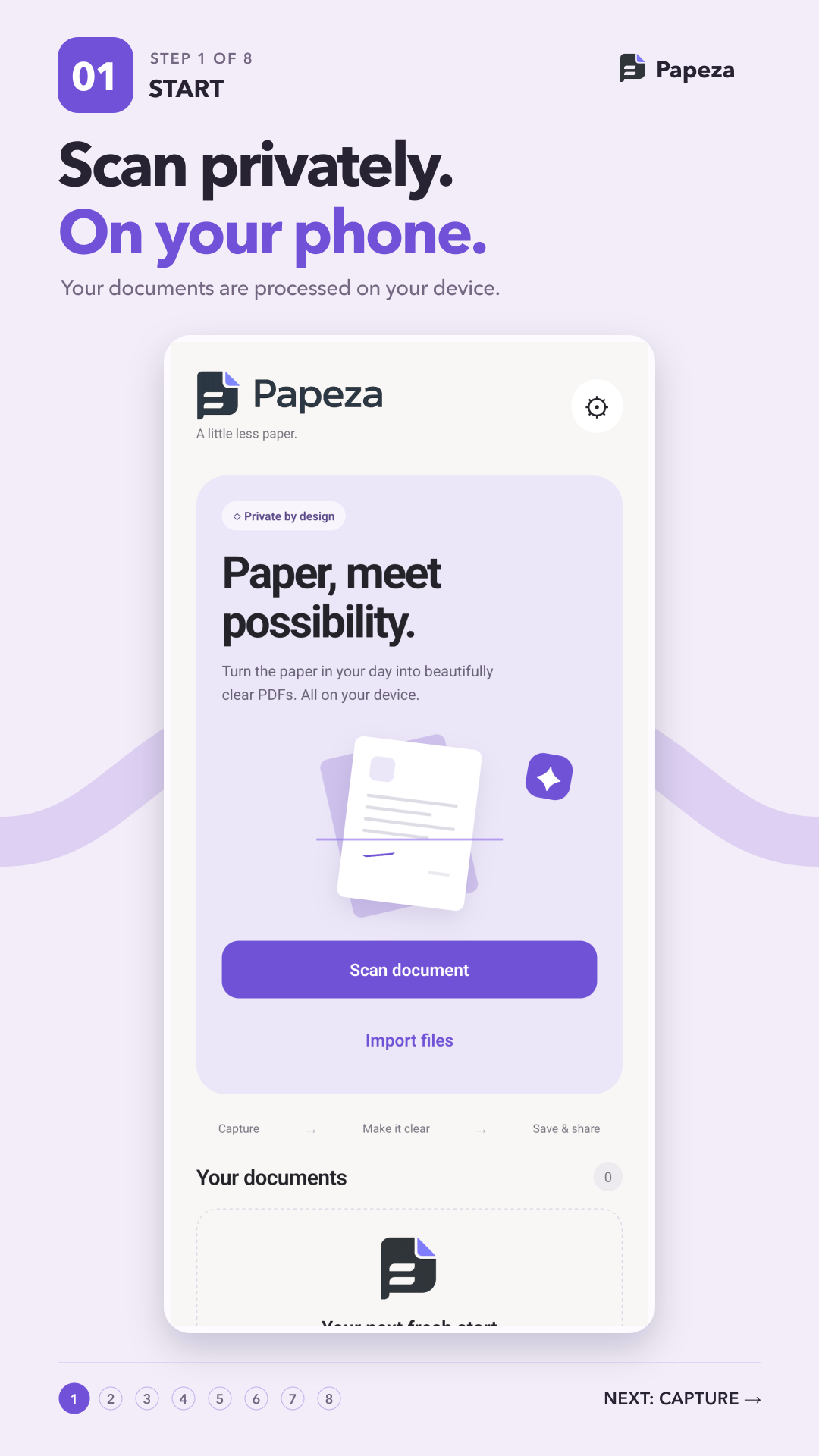
Start & Scan
Launch instantly with no login screen. Scan paper documents or import photos, PDFs, and text files into one flow.
Capture & Detect
Real-time edge recognition automatically identifies paper borders and corrects perspective distortion in milliseconds.
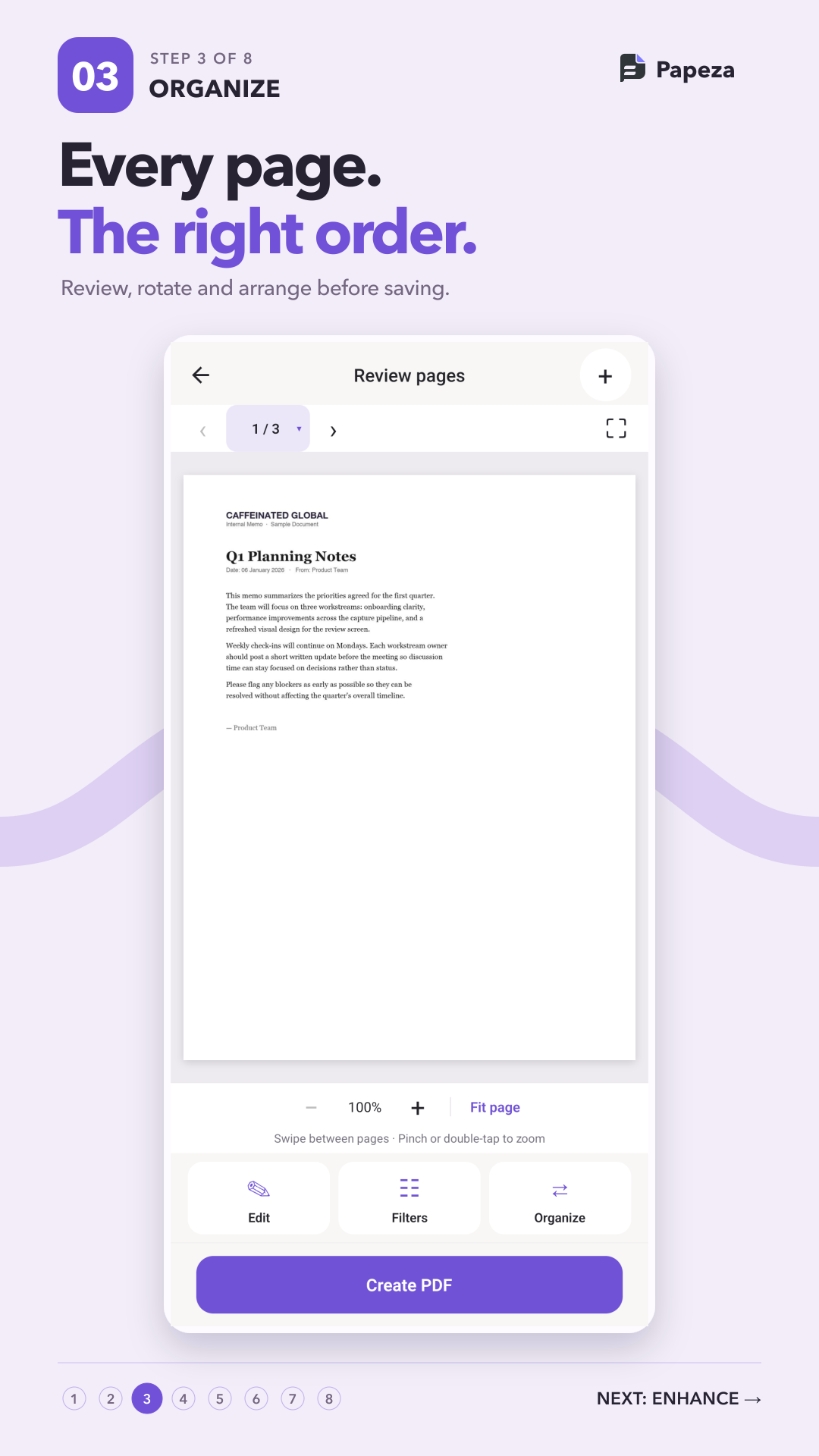
Review & Organize
Inspect page thumbnails, rotate orientations, rearrange page orders, and remove unneeded pages before saving.
Enhance & Filter
Apply Magic Ink to eliminate shadows, yellow paper tint, and creases. Or choose Original, Grayscale, or crisp B&W.
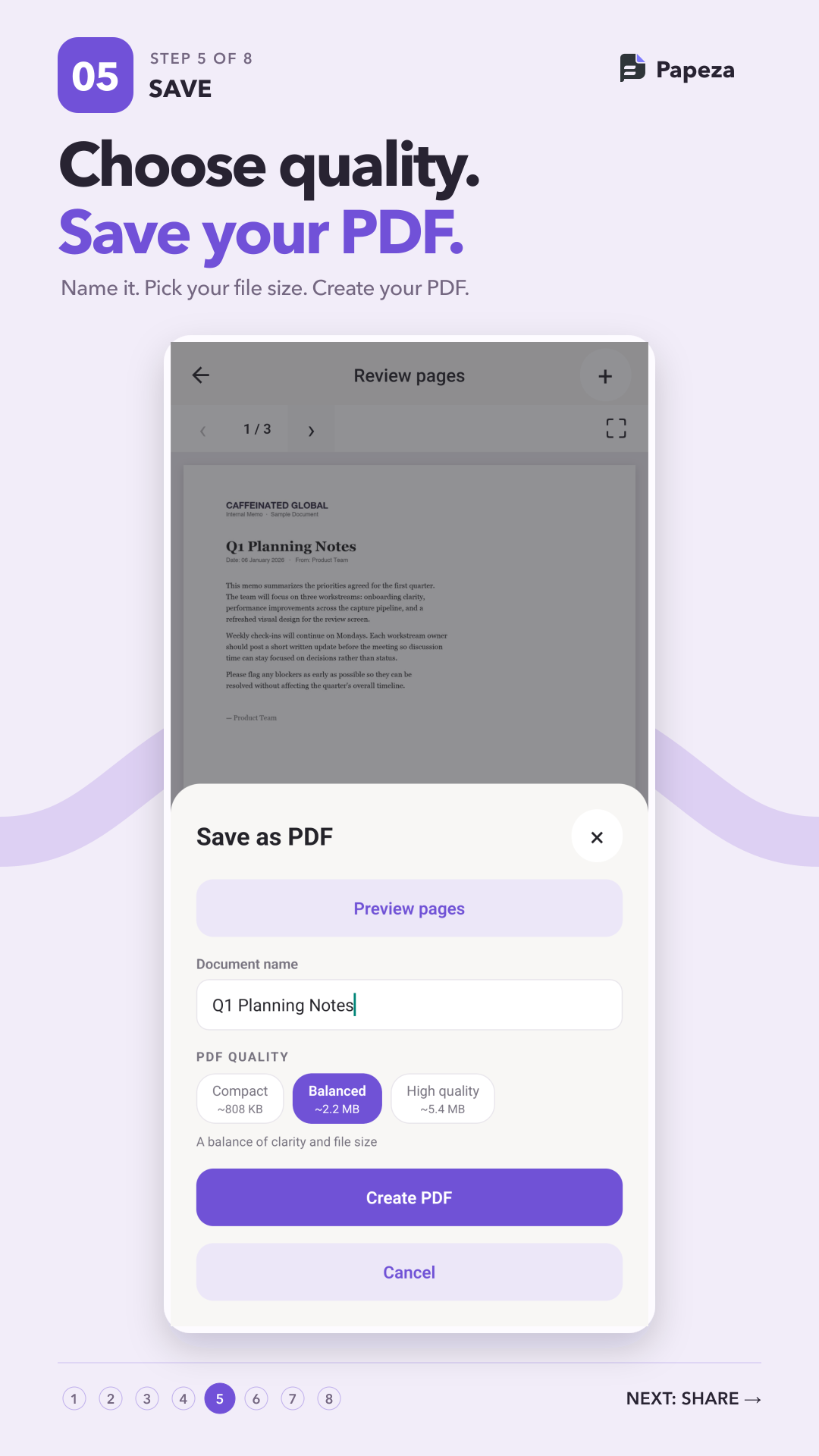
Choose Quality
Name your PDF and select Compact (~800KB), Balanced (~2.2MB), or High Quality (~5.4MB) based on your needs.
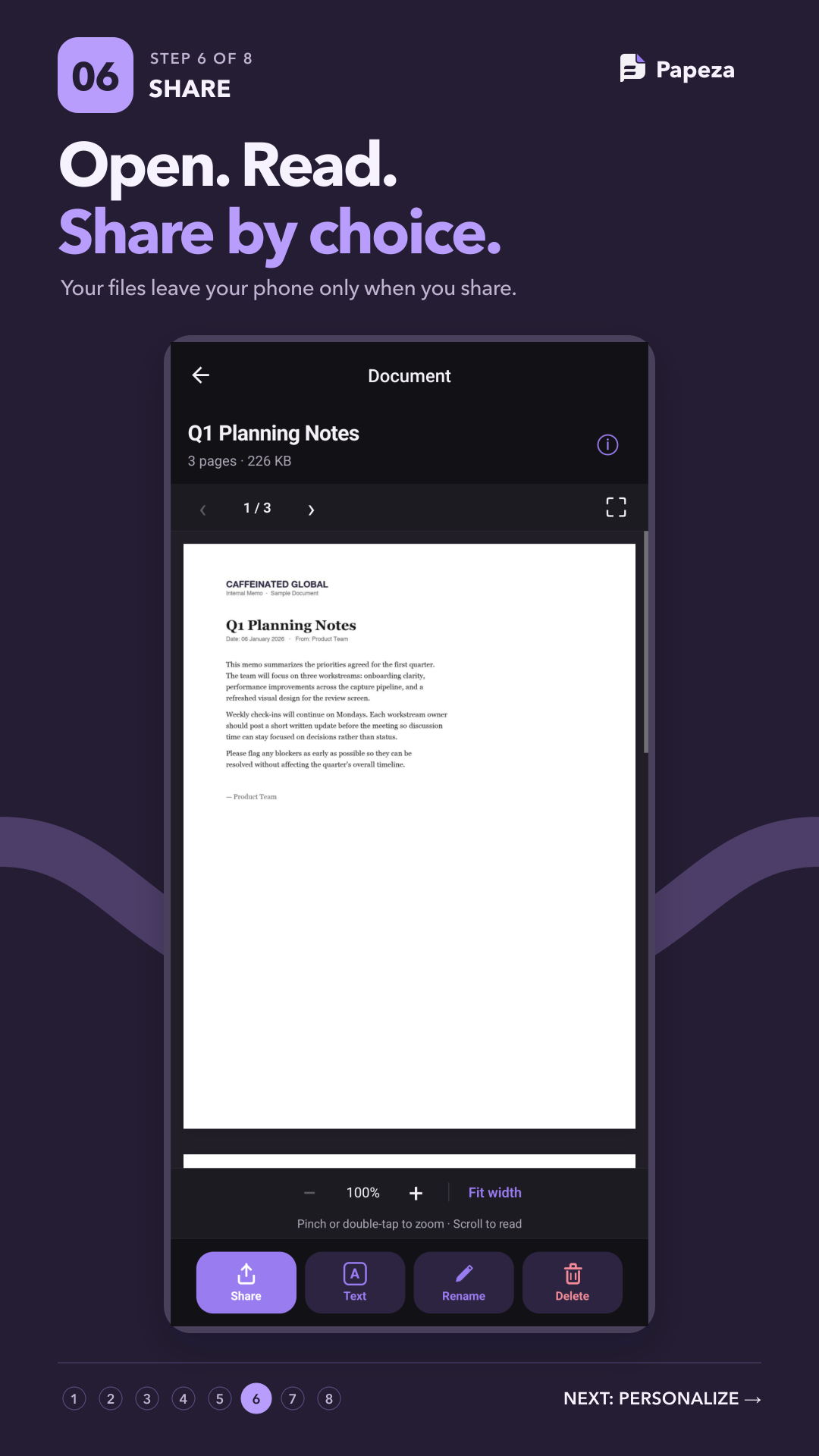
Read & Share
Open PDFs in the built-in document viewer with pinch-to-zoom. Share only when you choose via the native share sheet.
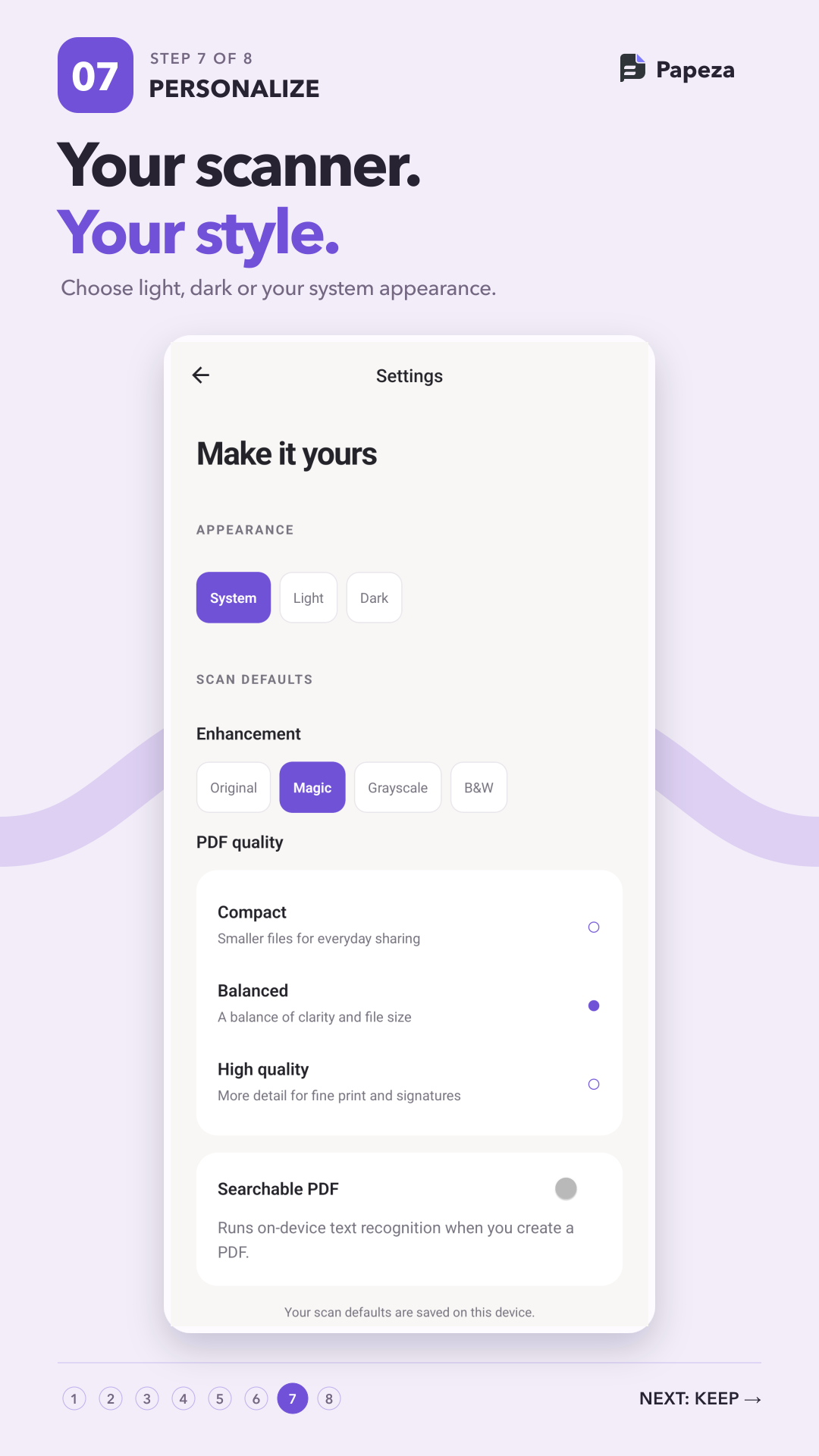
Personalize
Switch between light and dark appearances, and save your favorite default enhancement filters and quality presets.
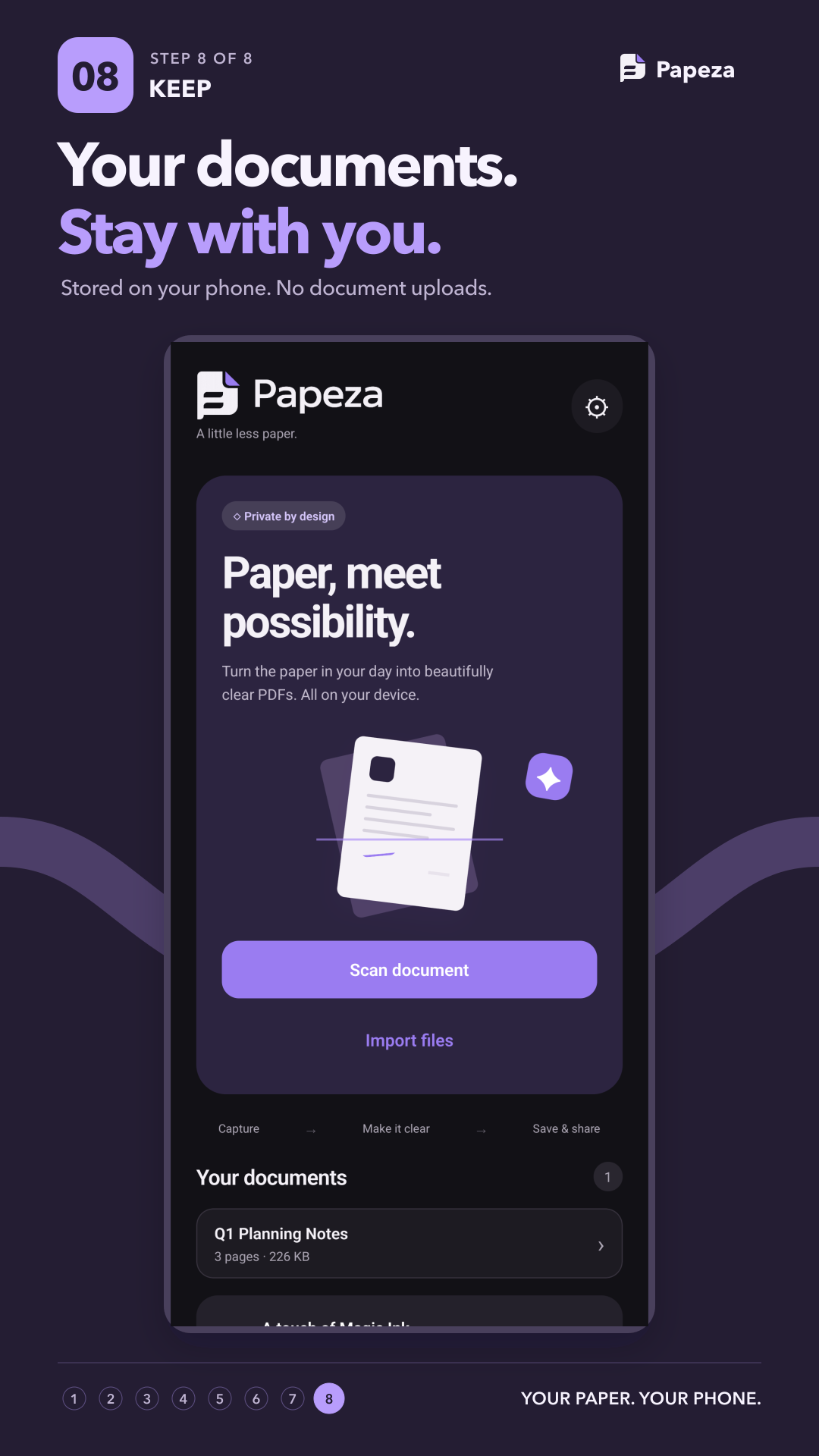
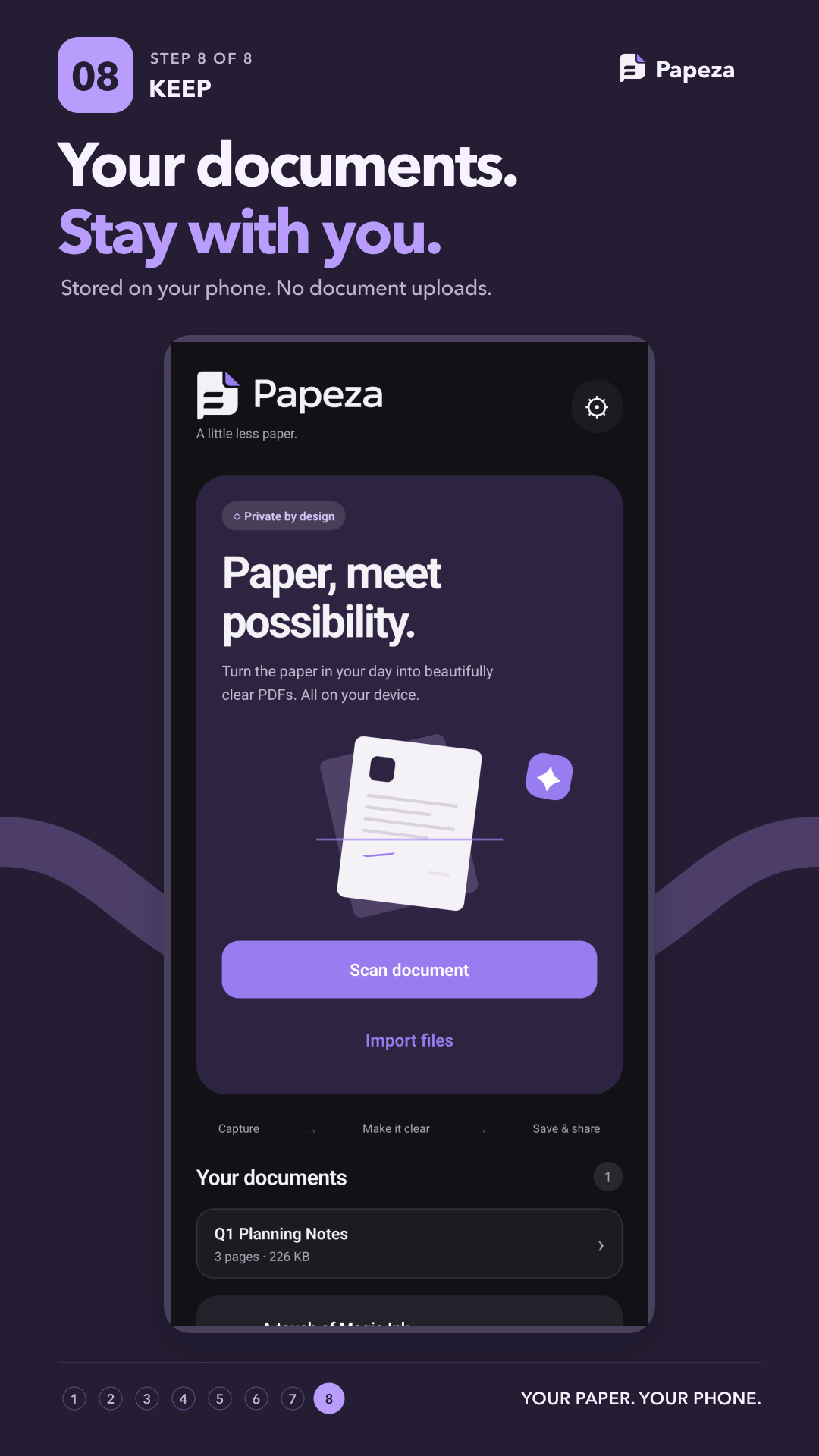
Private Library
All saved documents stay inside local device storage. Deleting a document removes its working files completely.